

270+ optimizations, one switch each
Hand-picked tweaks for higher FPS, faster response and a lighter Windows. Turn on the ones you want, or let a preset pick for you.
FpsTweak finds what's slowing your games down and fixes it in one click. Higher FPS, smoother aim, steadier ping, and you can undo anything.
Free download Windows 10 and 11 7-day Premium trial
No guides, no guesswork. Four steps, and you can undo every one of them.
Every tweak is tested by our team before it ships, and any of them can be undone with one click.
Hand-picked tweaks for higher FPS, faster response and a lighter Windows. Turn on the ones you want, or let a preset pick for you.
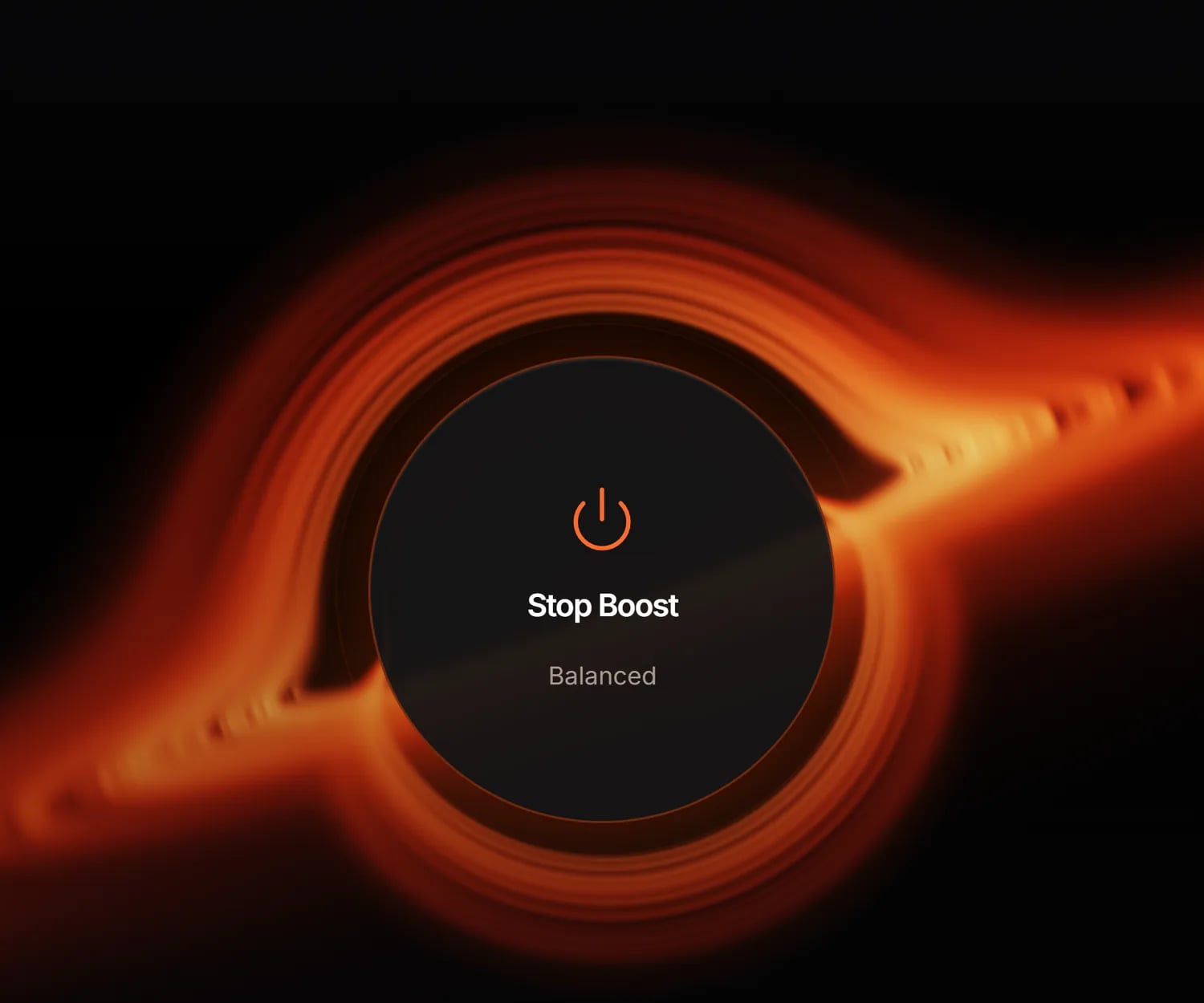
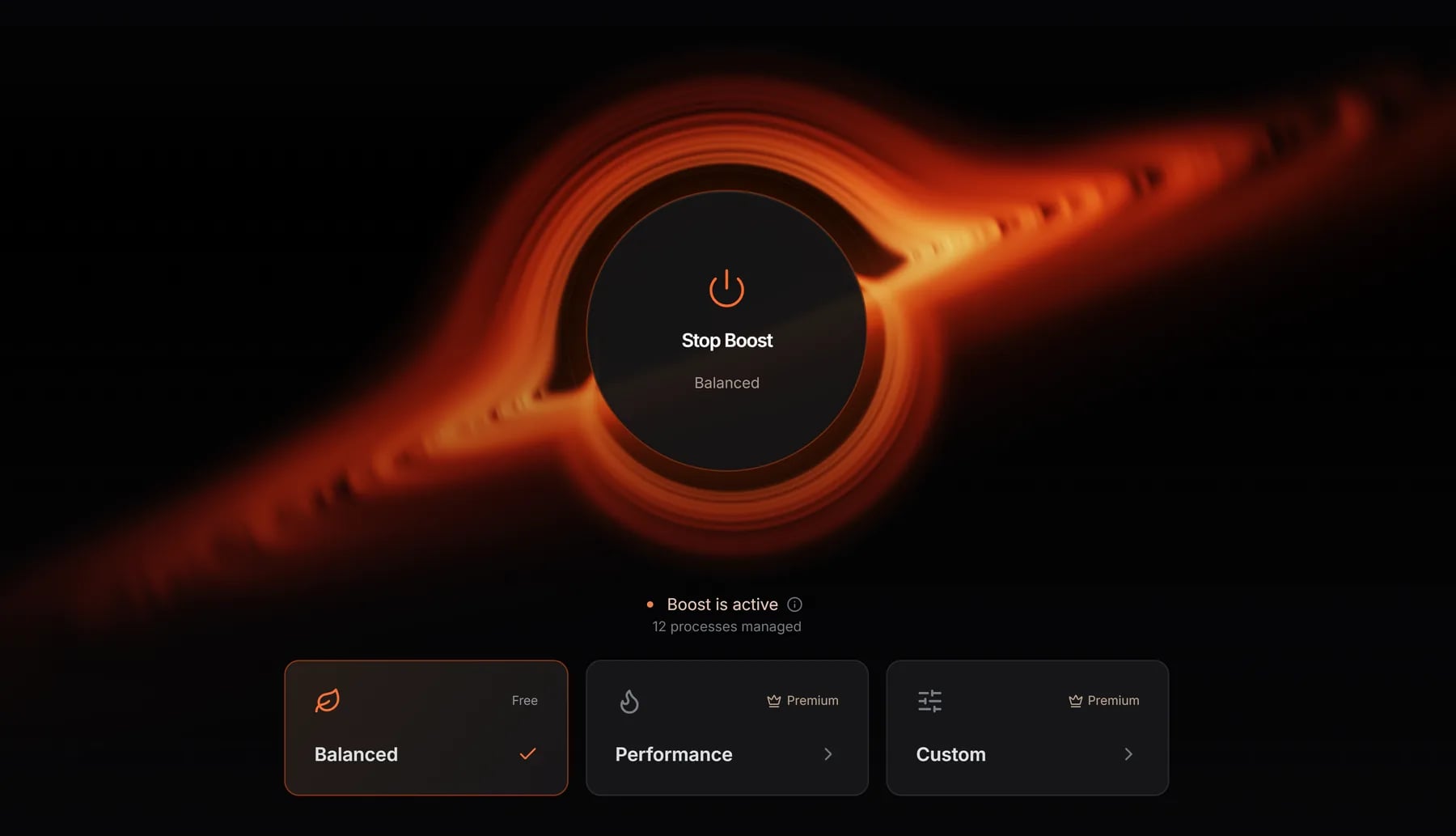
One click before you play. Background apps step aside so your game gets the full power of your PC, and everything goes back to normal when you're done.
Always play on the newest official NVIDIA, AMD and Intel drivers. FpsTweak finds them and installs them for you.
A backup is made before your first change, and every tweak switches back with one click. Nothing is permanent.
Fewer lag spikes and a calmer ping, so the fights you lose are never the connection's fault.
Clear out junk that piles up over months and free up memory right before a match. Auto Clean can keep it tidy for you.
FpsTweak reads your parts and tunes Windows around them, so a mid-range PC plays like it should and a high-end one finally shows it.
Settings tuned for NVIDIA, AMD and Intel cards, plus the latest drivers for free.
Your game gets priority over everything in the background, and Windows stops holding your processor back.
Free up RAM before a match and keep background apps from eating it again.
Clear the junk and bloat that pile up on your drive and slow Windows down.
See at a glance how tuned your PC is and what's left to improve. Watch the number climb as you go.
 270+ optimizations
40+ popular games come with ready-made in-game settings, and the big esports titles add pro setups on top.
FPS measured on our test PC before and after FpsTweak. Input delay is an estimate. Your results depend on your hardware.
Sensitivity, crosshair, viewmodel and video settings from the best CS2, Valorant and Fortnite players. Pick a pro, click apply, and your game is set up just like theirs.
From budget laptops to 360 Hz rigs, here is what changed for them.
Every time I opened Discord and Spotify my FPS would crash from 140 to 80. FpsTweak cut all the idle Windows background RAM hogs. Smooth 145 FPS locked now.
 AfroValorant
Ngl I usually hate these optimizer scripts cause they break Bluetooth or Xbox Game Bar. FpsTweak lets you pick what to keep. Micro-stutters in Tarkov are completely gone.
 OkanoskiEscape From Tarkov
My 0.1% low FPS was atrocious in CS2, making 144Hz feel like 60Hz. Ran the latency and power profile fixes, now frame pacing is buttery smooth.
 TyoCS2
Windows 11 bloat was eating up 6GB RAM on idle. Cleaned up background services with one click. Gained around 35 FPS in Helldivers 2.
 bydilaraHelldivers 2
Thought my GTX 1660 Super was dead for modern gaming. Applied the GPU optimization profile and now holding steady 120+ FPS in Siege.
 carlylarpRainbow Six Siege
Ping spikes during gunfights drove me insane. The network TCP tweak fixed my jitter instantly. 10/10 tool for ranked grinding.
 icardimanWarzone
Gaming laptop fans sounded like a jet engine at 88°C. FpsTweak optimized CPU power states and now hovering around 76°C with zero thermal throttling.
 mightbeApex Legends
Was getting weird mouse delay even with 200+ FPS. Turned off telemetry and game mode garbage through this app, my aim feels crisp again.
 moggedbymeOverwatch 2
The 1% lows were killing me in Fortnite endgames. After stripping unnecessary background bloat, building fights don't drop my frames anymore.
 BoxedUFortnite
Used to take 20 minutes tweaking regedit manually after every clean Windows install. FpsTweak does all the essential Windows tweaks in 30 seconds.
 DevOpsGamerPC Gaming
Got a 360Hz display but couldn't hit steady frames in CS2. Fixed high DPC latency issues with the automated script. Rock solid 380+ FPS now.
 s1mple_fanCS2
FiveM servers are horribly optimized. FpsTweak cleared memory leaks and boosted my FPS from 45 to 80 in crowded city areas.
 RP_GodGTA FiveM
Budget build (i3 + GTX 1050 Ti) couldn't keep up with modern Apex patches. Applied low-end PC tweaks and got a solid 30+ FPS boost.
 BudgetKingApex Legends
Most FPS boost software feels like malware. Appreciate how FpsTweak shows full logs of registry changes before applying. Safe and actually works.
 RustBusterRust
It switches off the things in Windows that quietly cost you performance in games: unneeded background apps and services, power limits, input delay and network slowdowns. Every tweak explains itself in plain words, and you choose what to turn on.
Yes. FpsTweak makes a backup before your first change, and switching a tweak off puts your original setting right back. You can also save your setup to your account and bring it back after a fresh Windows install.
FpsTweak does not inject into games or read game memory. It changes Windows settings and, only if you ask it to, the same config files a game's own settings menu writes.
Free includes driver updates, Quick Clean, the Balanced Game Booster mode and the free tweaks with the Basic preset. Premium unlocks every tweak, the Advanced preset, settings from 1,800+ pro players, Deep Clean, Auto RAM Clean and booster profiles. New members get 7 days free.
It depends on your PC. Older or cluttered systems usually see the biggest jump, and almost everyone notices games feeling smoother. Compare before and after with any FPS counter, and roll back anything you don't like.
Windows 10 and Windows 11, on desktops and laptops. Presets only pick tweaks that fit your graphics card.
Free to download. Try every Premium tweak for 7 days, cancel anytime.